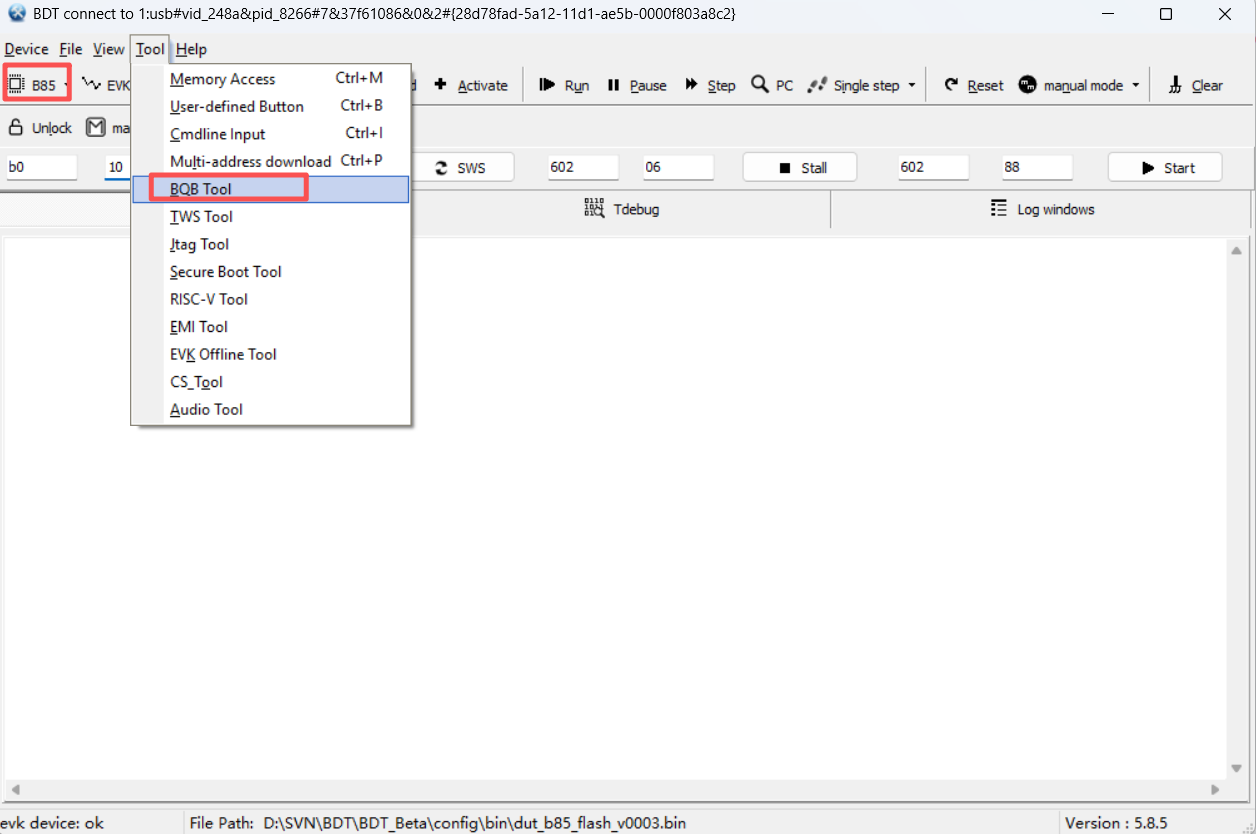
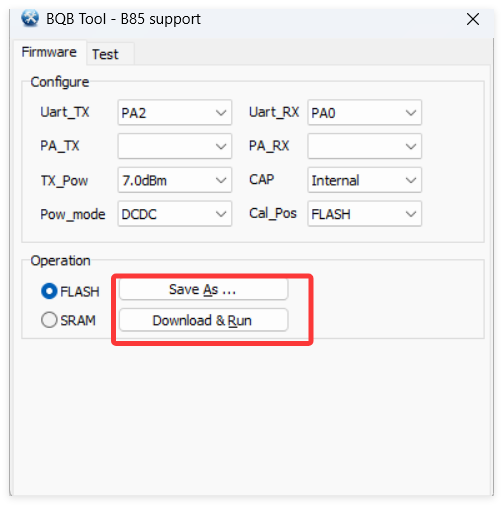
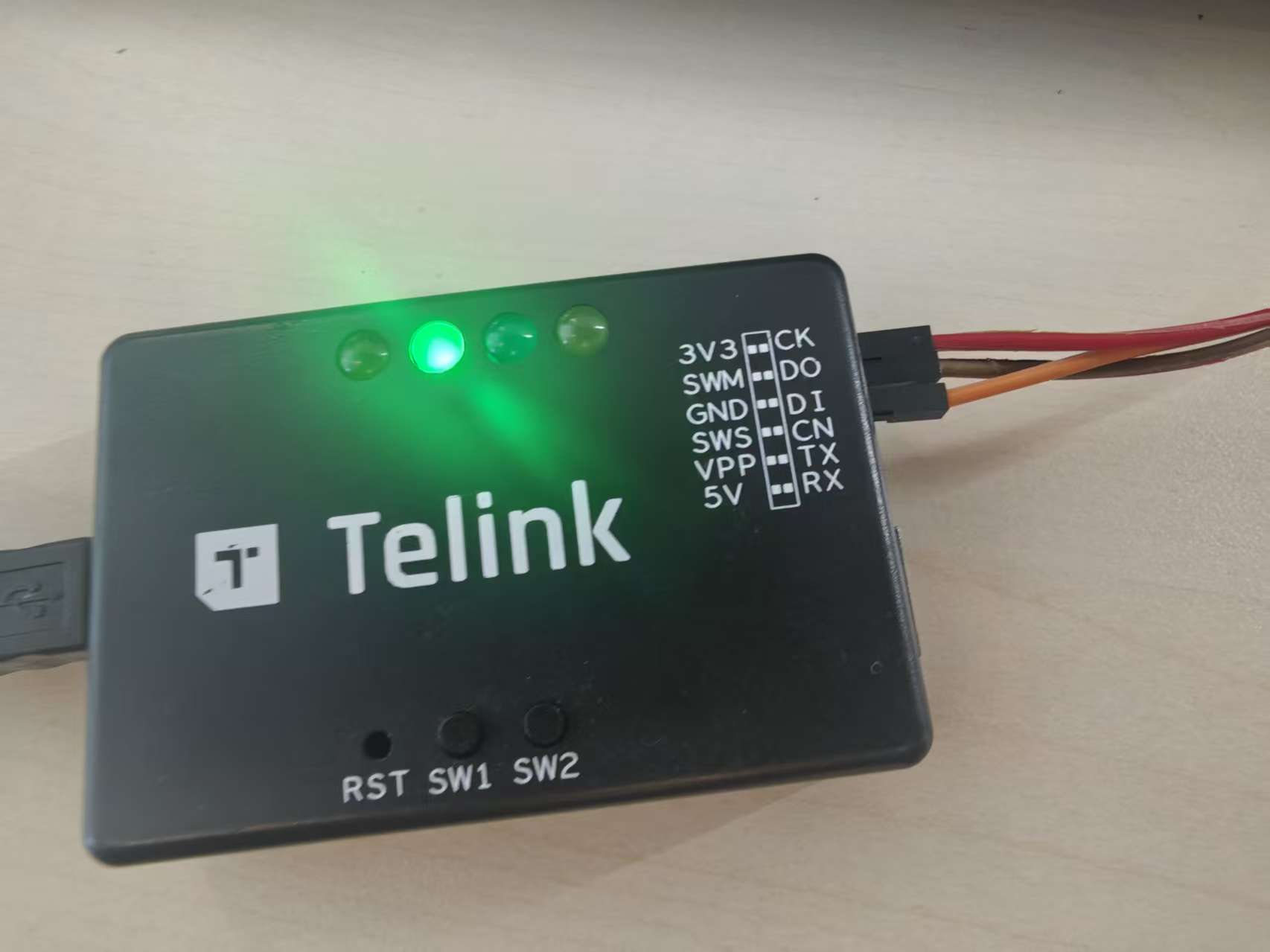
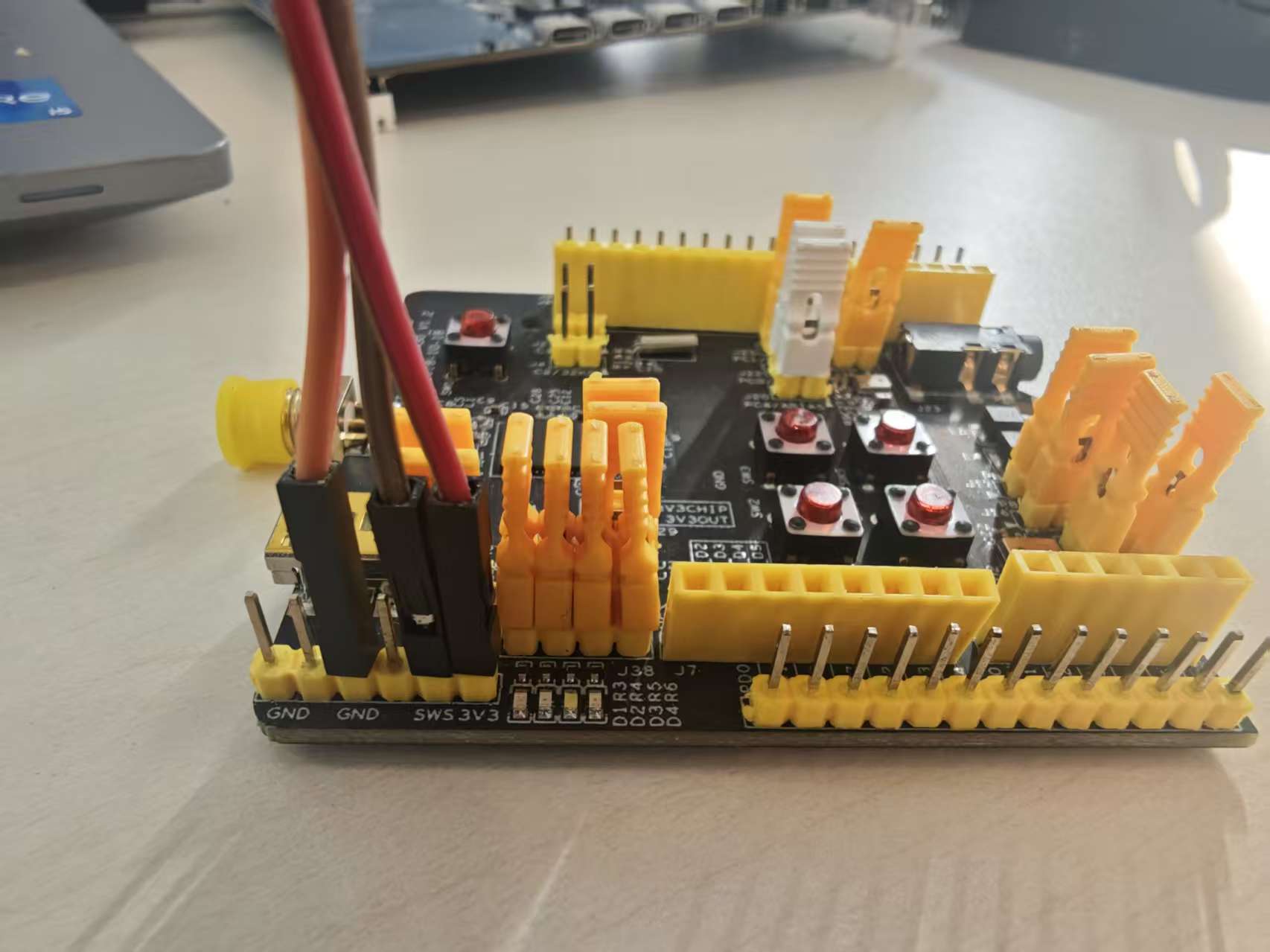
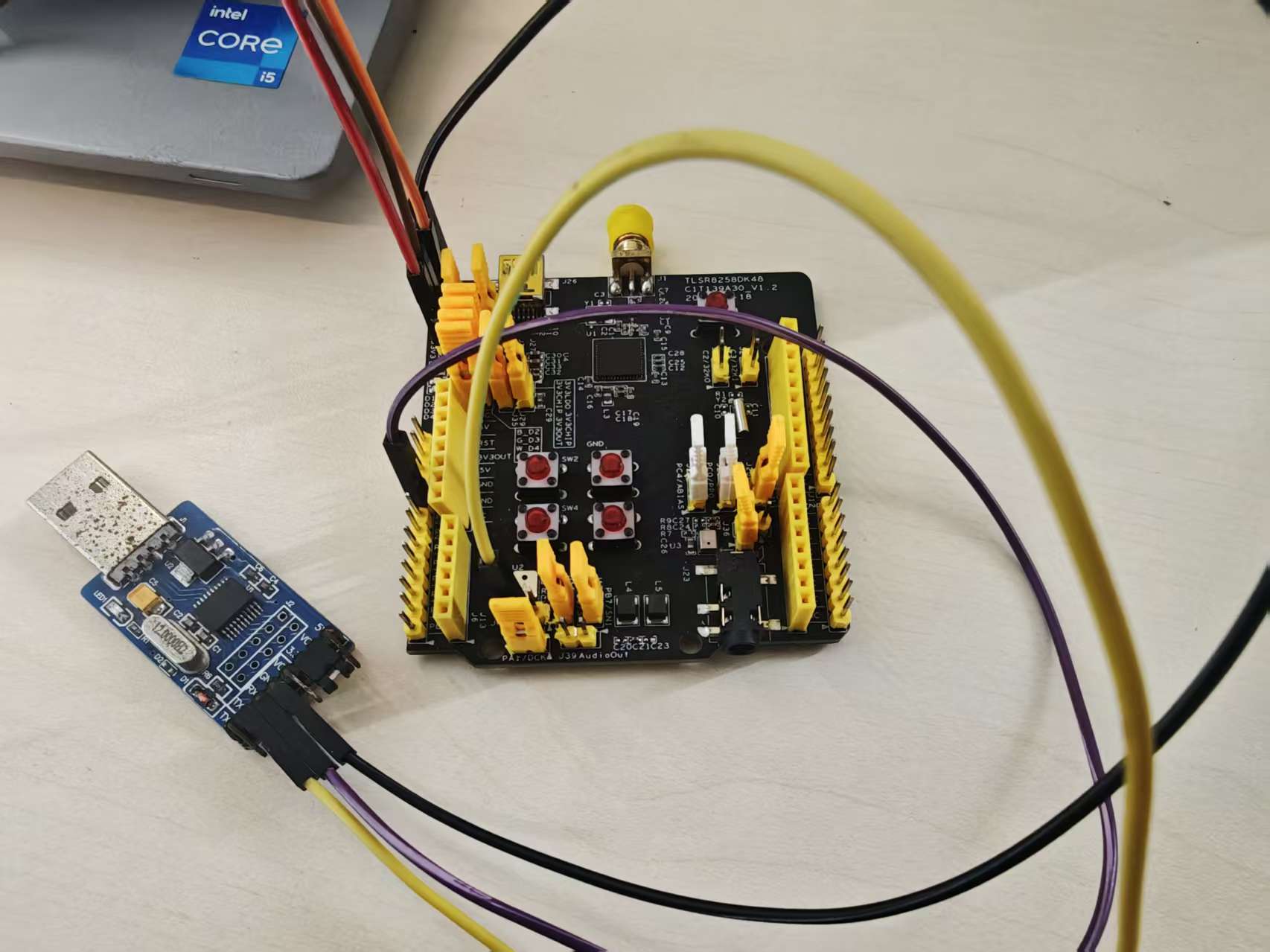
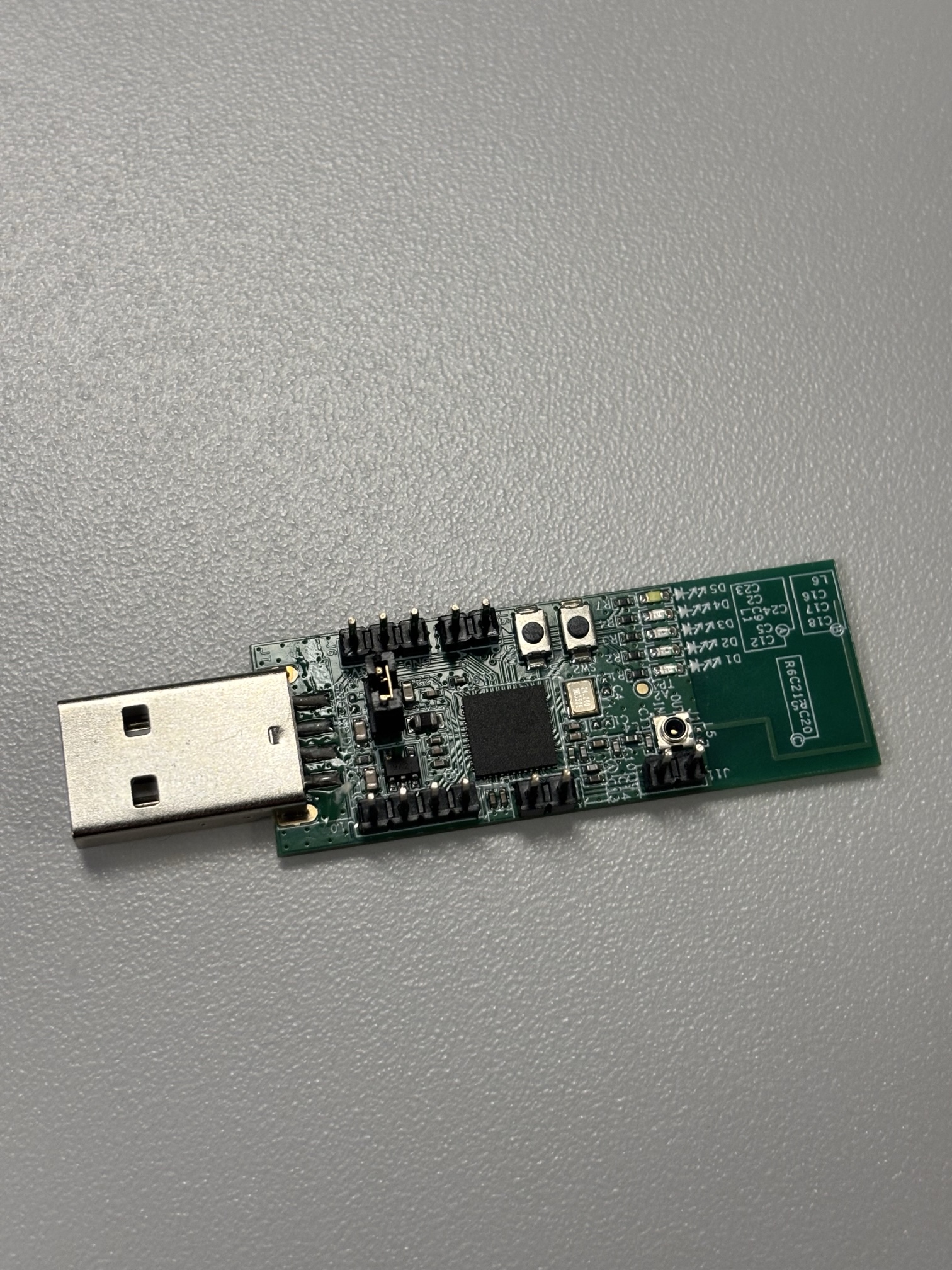
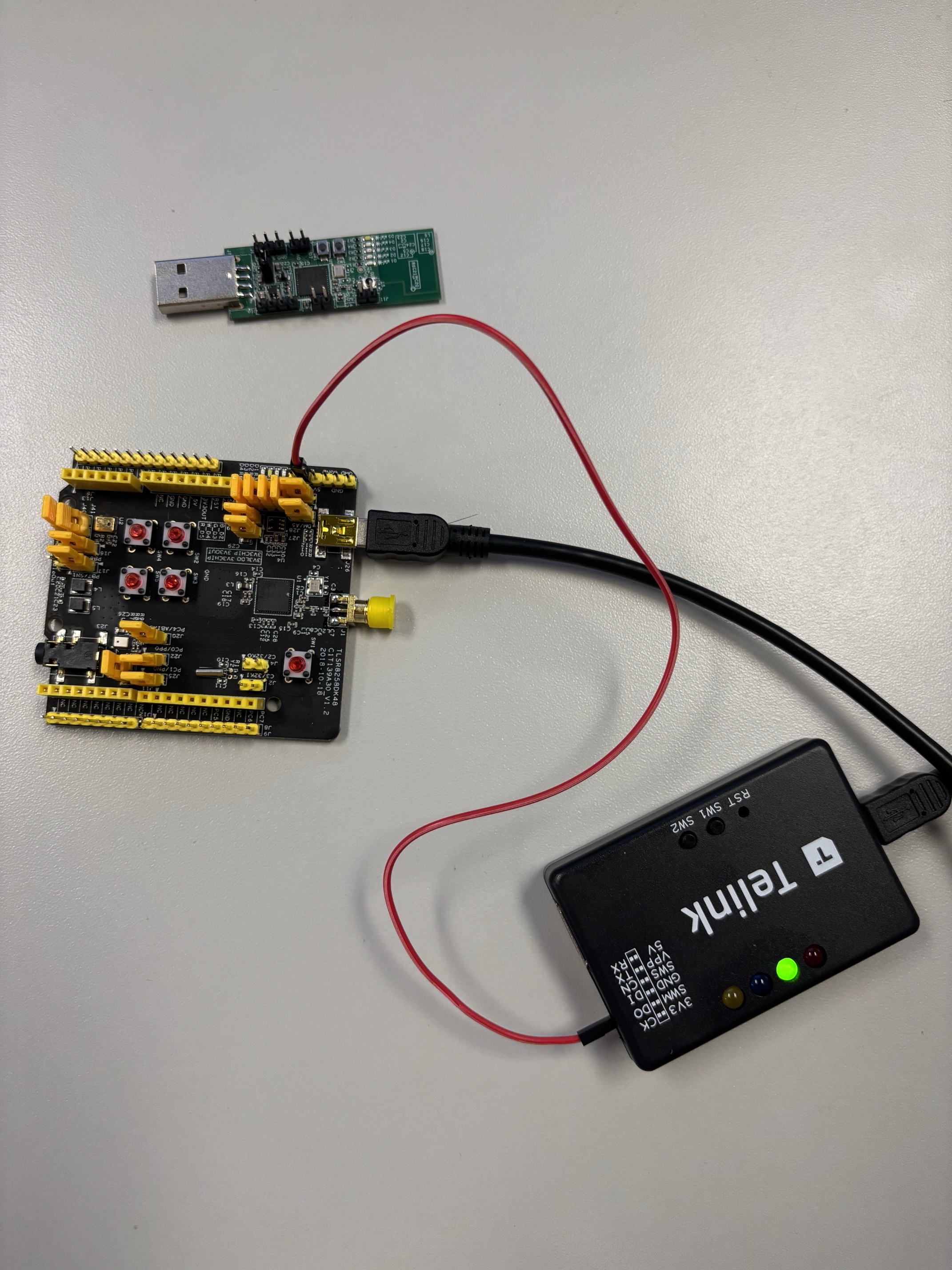
I am attempting to perform a BQB test on the TLSR8258DK48, but cannot find the chip on the BDT. This is what the connection looks like with SWM on the Telink debugger connected to SWS pin on the board. How do I program the firmware so that I can perform tests with a CMW? Is there a manual I can follow somewhere? Are my connections correct, or do I have to use the dongle? The board does not show up in the COM port either.
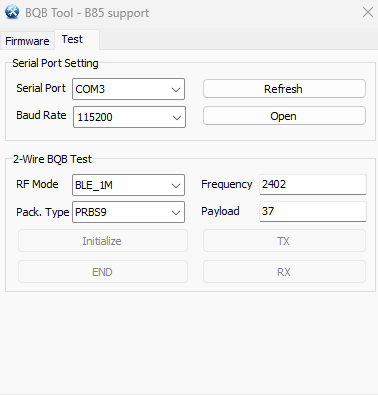
The board is not showing up as a COM port. And all of the Initialize, TX, RX, and END are all grayed out. What can I do to make the COM port show up in the Device Manager?
According to the phenomenon you described, the DUT programming is incorrect. For wiring, you can refer to the diagram below.
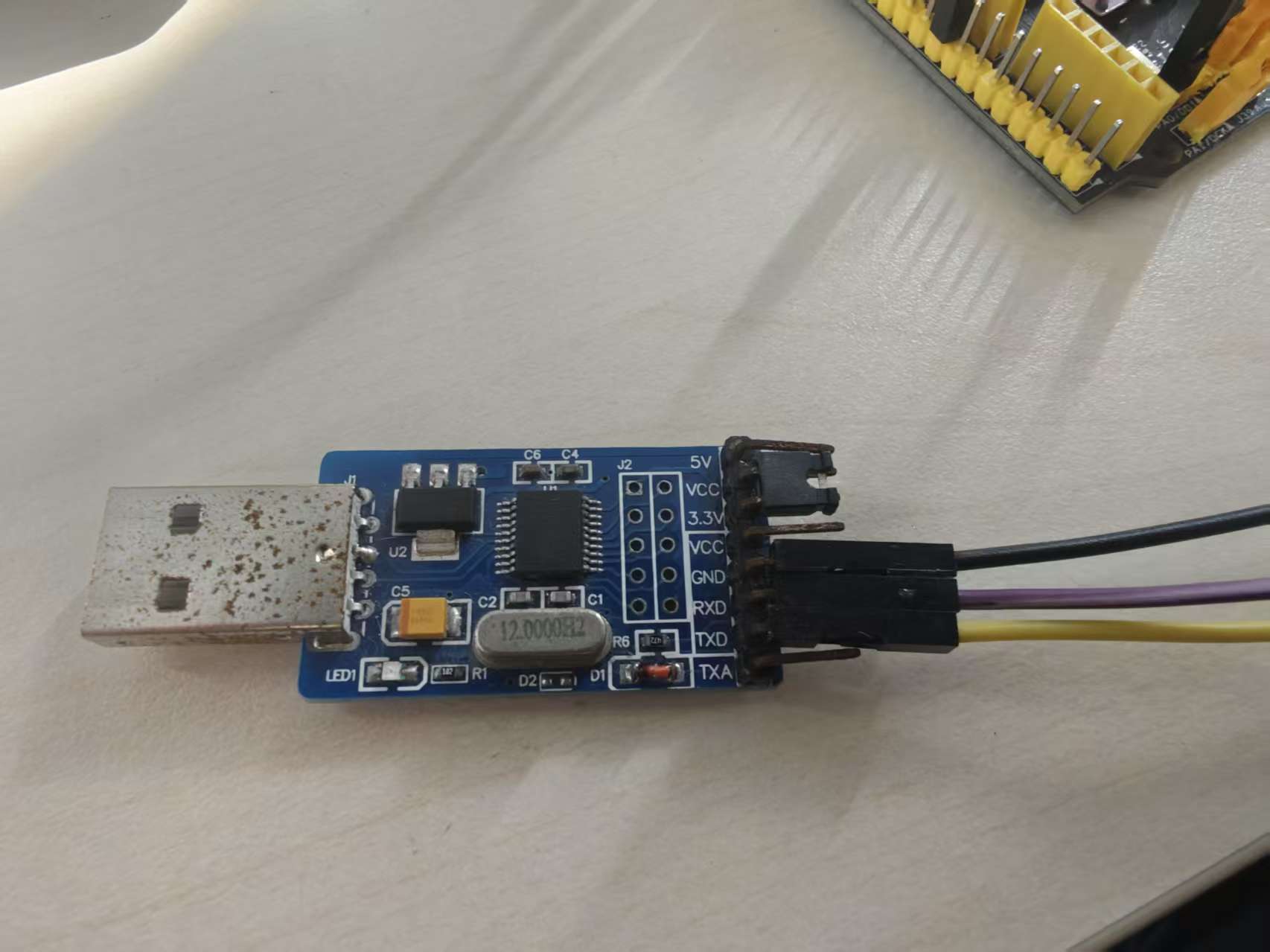
After downloading the program, click Reset to run the program. Then, connect the TX and RX pins of the DUT to the RX and TX pins of the UART device respectively, and ensure a common ground. Finally, connect the serial port device to the CMW USB interface to begin testing.
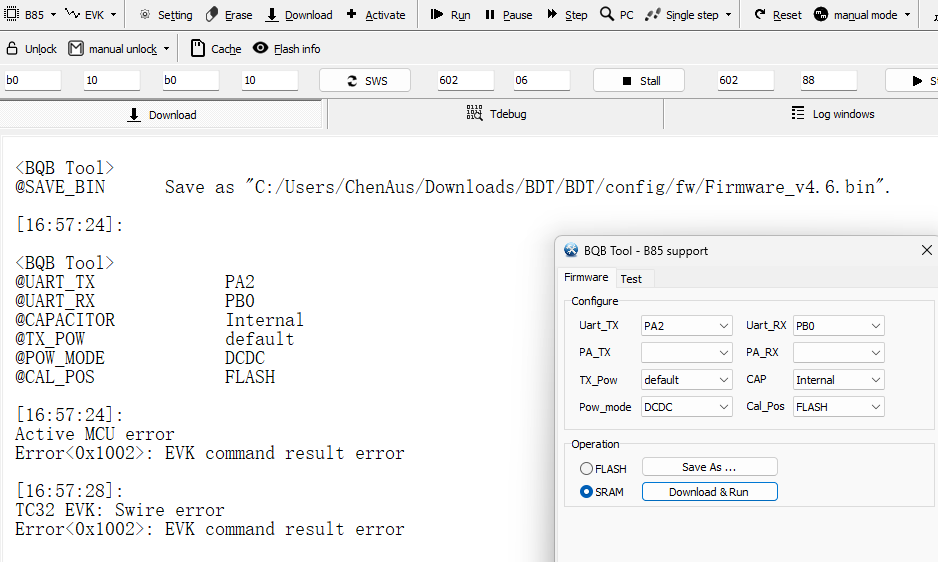
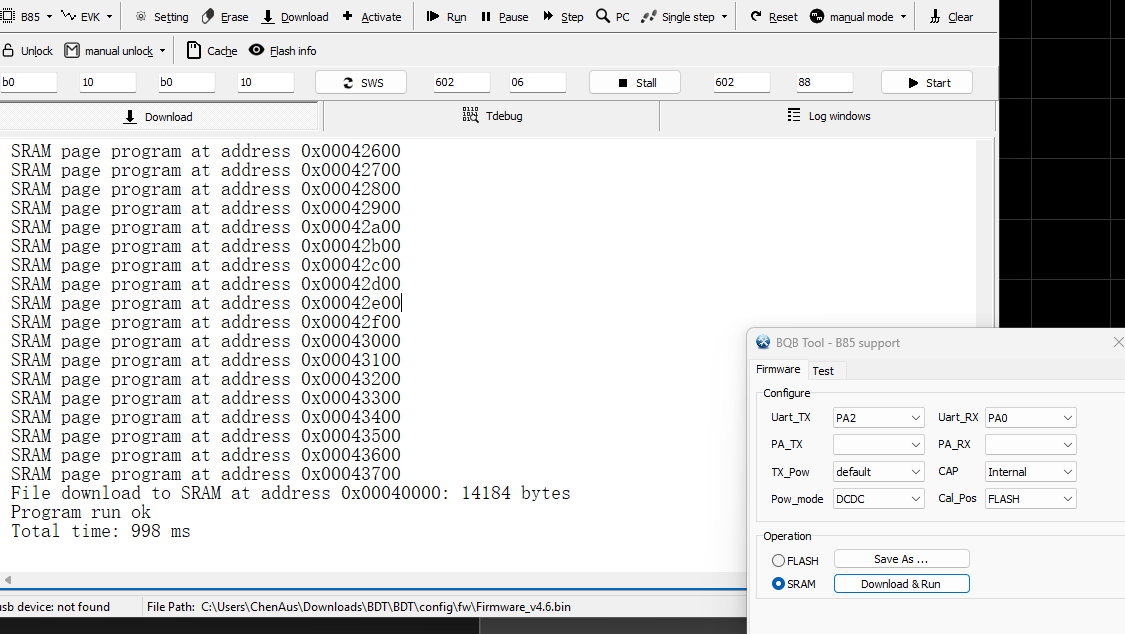
Hello, my dongle looks a bit different. What are the pins for the TX and RX and GND, and does my successful download look correct? And afterwards, does this mean the firmware has been successfully downloaded and I can plug the device into the computer for testing? Or do I connect it directly to the CMW?
 关注公众号
关注公众号 沪公网安备31011502403548号
 English
 简体中文
简体中文


 发表于 2025-11-25 08:24:49

 发表于 2025-11-27 19:10:55